Blender Shortcuts I Keep Forgetting
The Blender shortcuts I use all the time but keep forgetting: camera navigation, front, side and top views, duplicating, scaling, rotating and switching modes.
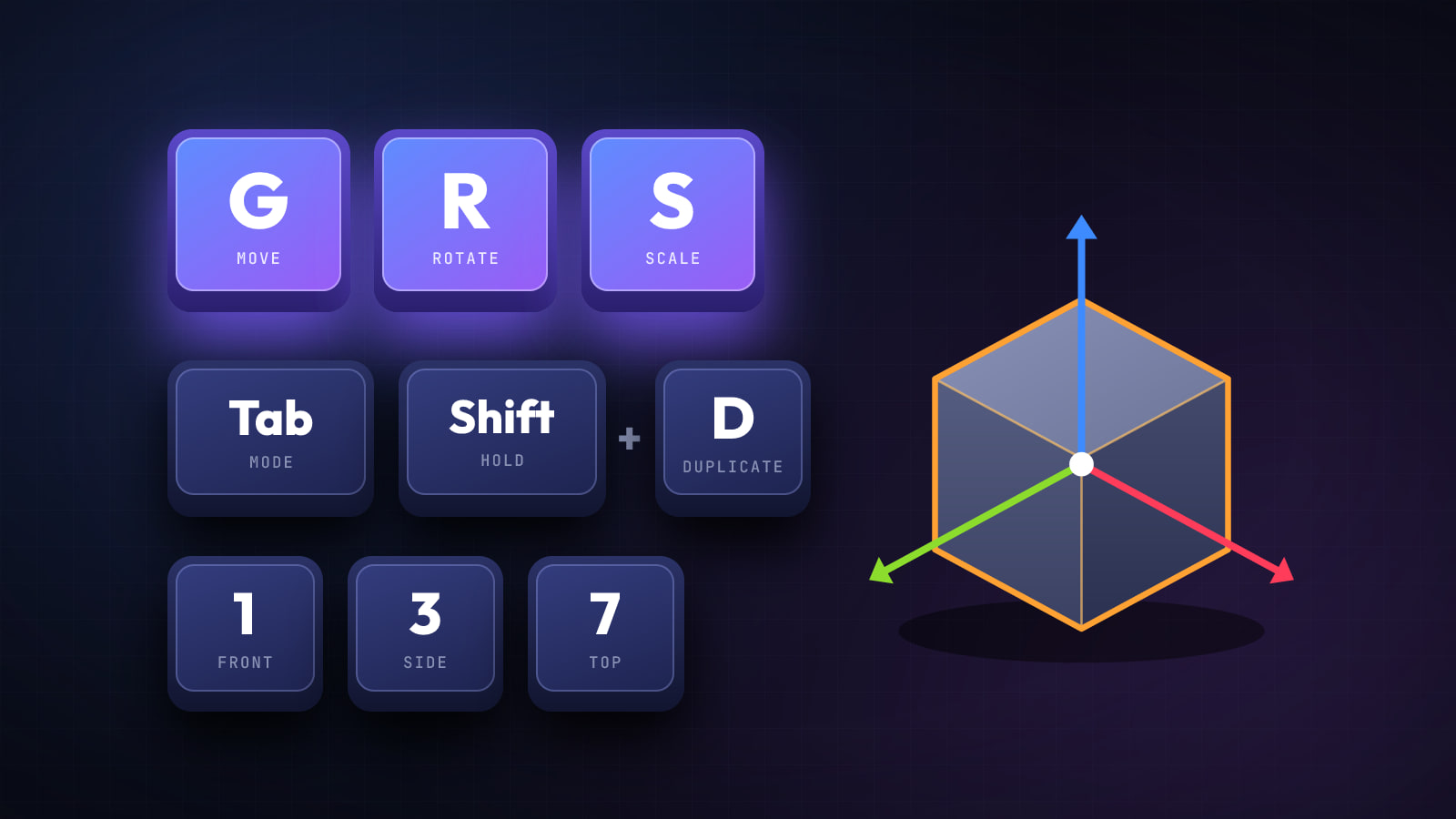
A quick reference for the Blender shortcuts I use all the time but still manage to forget, grouped by what you're doing.
Navigating the Viewport
| Shortcut | What it does |
|---|---|
| Hold Middle Mouse | Rotate the camera view |
| Mouse Scroll | Zoom in / out |
| Ctrl + Shift + Middle Mouse | Slow camera zoom |
| Shift + Middle Mouse | Pan the camera |
| . (Del on Numpad) | Zoom to the selection |
Switching Views (Numpad)
| Shortcut | What it does |
|---|---|
| 1 / Ctrl + 1 | Front / rear view |
| 3 / Ctrl + 3 | Side / opposite side view |
| 7 / Ctrl + 7 | Top / bottom view |
Move, Rotate and Scale
| Shortcut | What it does |
|---|---|
| G | Move |
| R | Rotate |
| S | Scale |
| Shift + Spacebar | Show the tool menu (Move tool) |
| Ctrl + A | Apply |
Editing
| Shortcut | What it does |
|---|---|
| Tab | Switch between Object and Edit mode |
| Shift + A | Add |
| Shift + D | Duplicate |
| Delete | Delete the selection / object |